

Replacement Graphics for Skyline Products
Refresh Your Exhibit With New Graphics
New trade show graphics are an efficient way to keep your exhibit current, relevant, and visually strong without replacing the display hardware you already own. Replacement graphics can help you update brand colors, campaign messaging, product information, imagery, or event-specific calls to action.
Skyline provides replacement graphics and new graphics for many types of trade show displays, including portable displays, banner stands, pop-up displays, fabric backwalls, modular exhibits, counters, and table displays. Refreshing your graphics can help your exhibit reflect your current brand and marketing priorities while extending the value of your existing Skyline display system.
A graphic refresh is especially useful when your hardware remains in good condition but your message, brand standards, product portfolio, or visual identity has changed. Update your trade show graphics to maintain a polished, professional exhibit presence at every event.
.jpg?width=300&name=10-skyline-NACS-2025-9191%201%20(1).jpg)
STEP 1:
Click on one of the 4 major product categories below
STEP 1:
Click on one of the 4 major product categories below
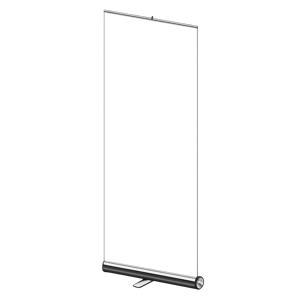
Portable display unit with a spring-loaded mechanism in the base that allows the banner to pulled up and attached to pole.
See Systems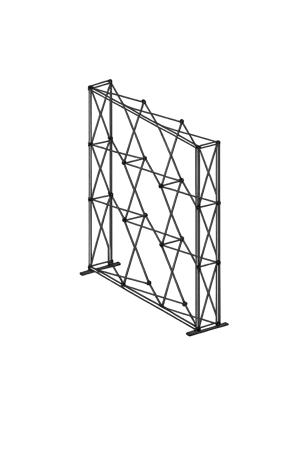
Portable display unit with a collapsible frame for easy transportation and storage..
See Systems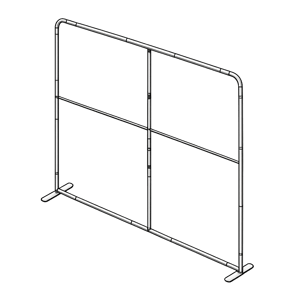
Backwall made of buildable components, easily taken apart and set up for transportability and storage.
See Systems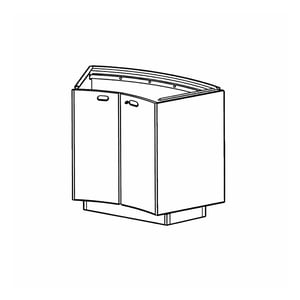
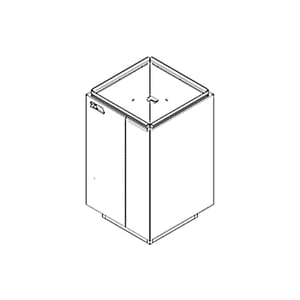
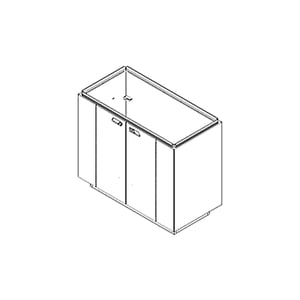
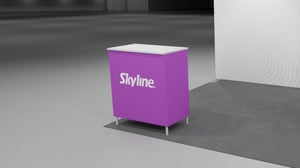
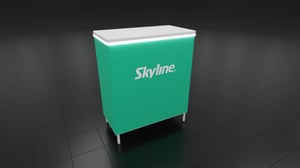
Portable counters and tables feature durable, sleek, customizable designs with storage options. Easy setup, reliable performance, and a professional booth presence.
See Systems
STEP 2:
Click on the “View Sizes” for one of the 4 types of Skyline Banner Stands shown belowback to top
STEP 2:
Click on the “View Sizes” for one of the 4 types of Skyline Banner Stands shown below
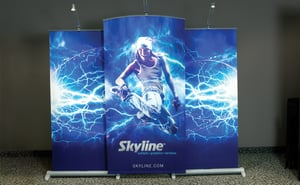
STEP 2:
Click on the “View Sizes” for one of the 3 types of Skyline Pop-Up Displays shown belowback to top
STEP 2:
Click on the “View Sizes” for one of the 3 types of Skyline Pop-Up Displays shown below
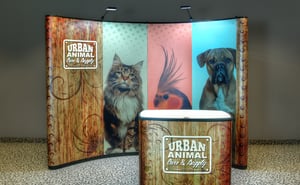
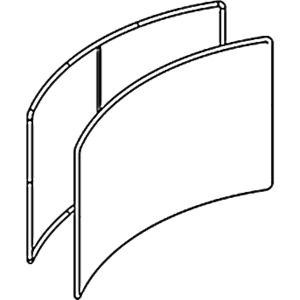
Expandable curved frame with hard panel graphics. Can be backlit.
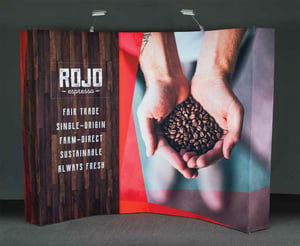
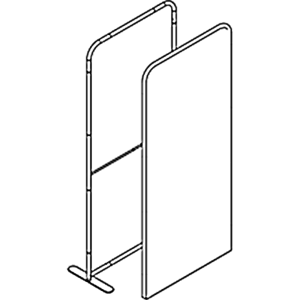
Expandable frame pre-attached to the fabric graphics. Can be flat or curved.
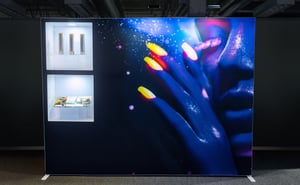
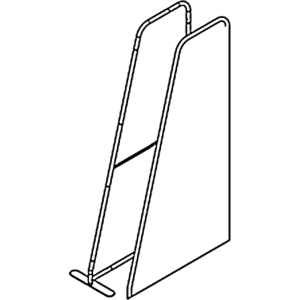
Expandable frame with grooves to attach the fabric graphics. Can be backlit. Can be flat or curved.
STEP 2:
Click on the “View Sizes” for one of the 2 types of Skyline Portable & Modular Backwalls shown belowback to top
STEP 2:
Click on the “View Sizes” for one of the 2 types of Skyline Portable & Modular Backwalls shown below

Fabric graphics attach to grooves in frame. Backlit with a flat frame.
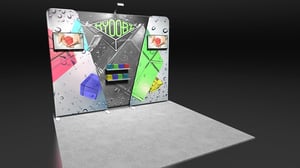
Aluminum tube frame with pushbutton connectors under pillowcase fabric graphic.
Can be flat or curved.
STEP 2:
Identify your Skyline Counter or Table below – You’re Done! For Tablox click on the “View Sizes”back to top
STEP 2:
Identify your Skyline Counter or Table below – You’re Done! For Tablox click on the “View Sizes”
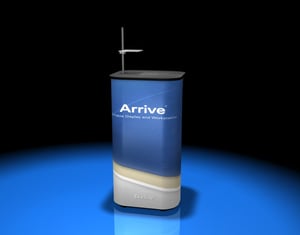
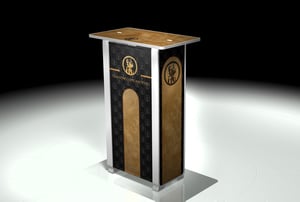
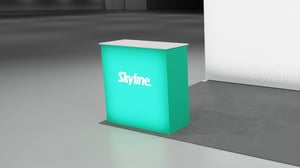
/utility-case-table.jpg?width=300&name=utility-case-table.jpg)
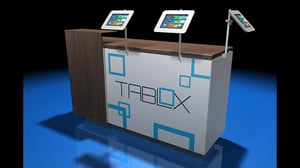
STEP 3:
Identify your Banner Stand 1000 below – You’re Done!back to top
STEP 3:
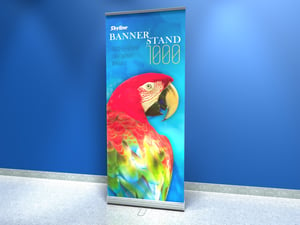
Identify your Banner Stand 1000 below – You’re Done!
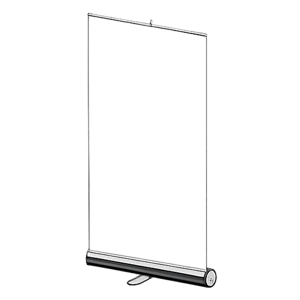
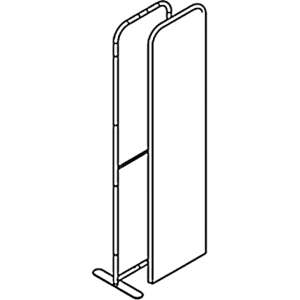
TradeWinds Banner Stand 1000 is an entry-level display that gives you the same big look as other banner stands, but has fewer add-on features to keep costs down.
STEP 3:
Identify your 3000-R Banner Stand below – You’re Done!back to top
STEP 3:
Identify your 3000-R Banner Stand below – You’re Done!
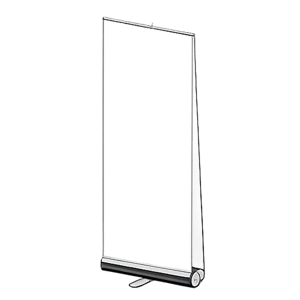
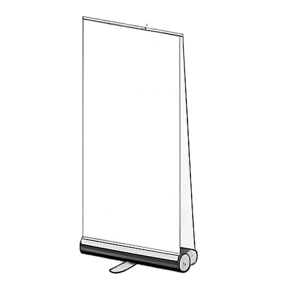
The Banner Stand 3000-R Exchange has a spring-loaded base that protects the graphic during storage. The base also contains a graphic exchange strip that allows graphics to be changed on-site.

STEP 3:
Identify your Exalt Banner Stand below – You’re Done!back to top
STEP 3:
Identify your Exalt Banner Stand below – You’re Done!
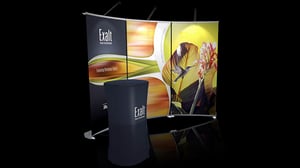
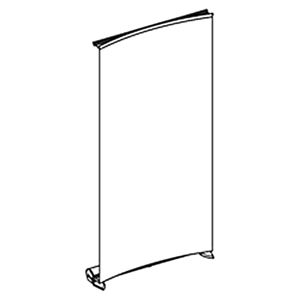
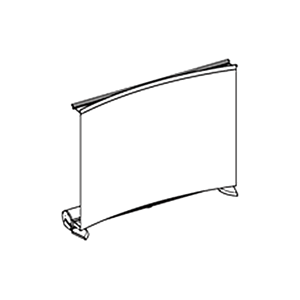
The Exalt® Banner Stand has a curved fabric banner that retracts into a spring-loaded base that protects it during storage. The base also contains a direct inner core exchange system that allows graphics to be changed easily on-site. When used as a backwall the magnetic top trim quickly aligns and holds the banners securely in place.
STEP 3:
Identify your Myriad Banner Stand below – You’re Done!back to top
STEP 3:
Identify your Myriad Banner Stand below – You’re Done!
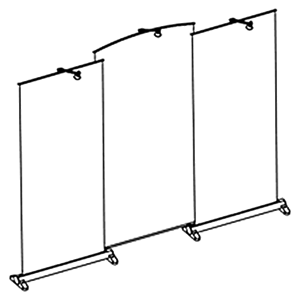
Insert the center banner poles into the pole slots of the Myriad housings to have all the benefits of three banner stands without the added weight and expense of a third housing. Myriad banner stands can still be used by themselves for single banner stand applications.
STEP 3:
Identify your Mirage Pop-Up below – You’re Done!back to top
STEP 3:
Identify your Mirage Pop-Up below – You’re Done!
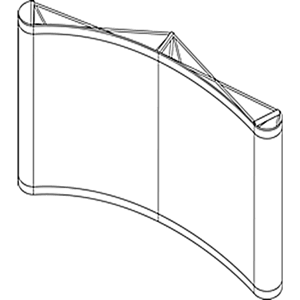
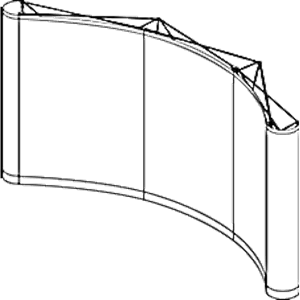
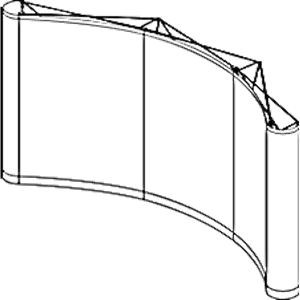
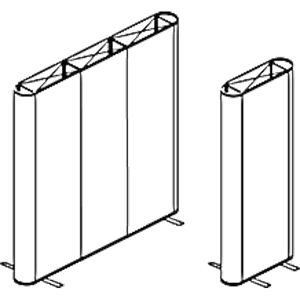
Panels adhere magnetically to the display hardware, roll up and pack in neat cases. End Panels finish the look of the Mirage display by rounding out the ends of the unit, completing the smooth arc of the backwall. Backlit is also an option, with Inkjet Backlit panels* and LED light panels.


STEP 3:
Identify your TradeWinds Fabric Pop-Up below – You’re Done!back to top
STEP 3:
Identify your TradeWinds Fabric Pop-Up below – You’re Done!
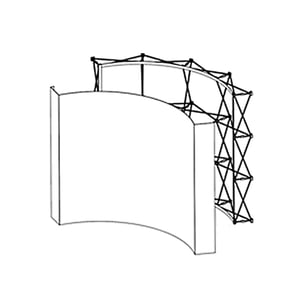
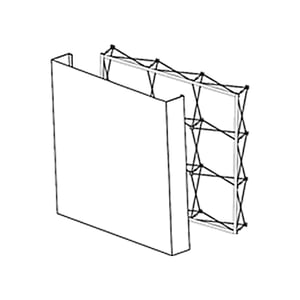
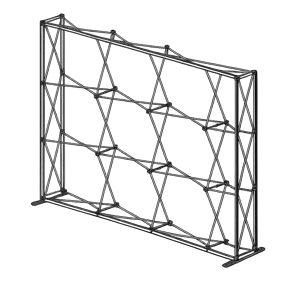
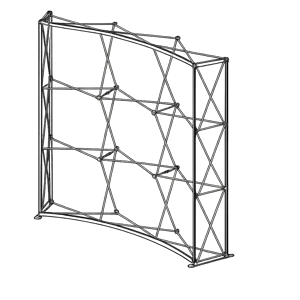
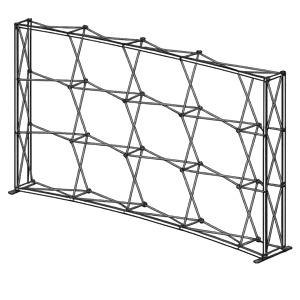
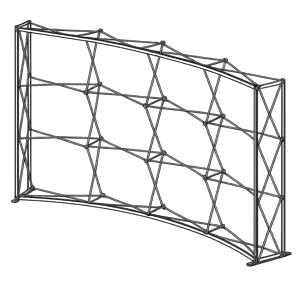
The TradeWinds® Fabric Pop-Up display features an aluminum frame that expands and locks into place with built-in connectors. The one-piece fabric graphic wraps around the ends of the frame providing a seamless look and stays attached to the frame for easy dismantle and packing.
STEP 3:
Identify your TradeWinds Immerse Pop-Up below – You’re Done!back to top
STEP 3:
Identify your TradeWinds Immerse Pop-Up below – You’re Done!
The TradeWinds® Immerse has a Silicon Edge Graphic (SEG) that tucks into the frame to create a seamless graphic look. Backlit is also an option, with LED lightbars and power supplies to provide bright, even lighting.
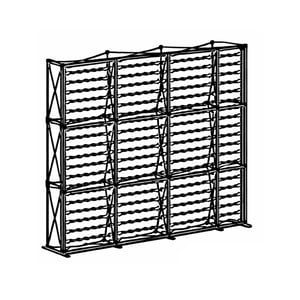
STEP 3:
Identify your PictureGlow Backwall below – You’re Done!back to top
STEP 3:
Identify your PictureGlow Backwall below – You’re Done!
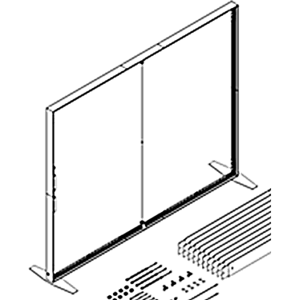
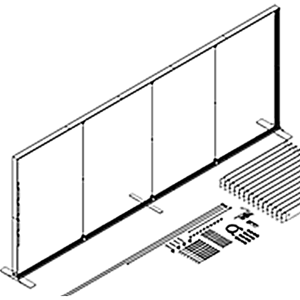
The PictureGlow system is composed of LED-backlit displays to attract clients with high resolution graphics and optional lightweight merchandising accessories. Frames can be single or double sided.
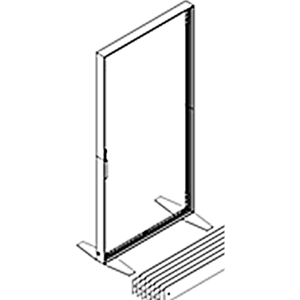
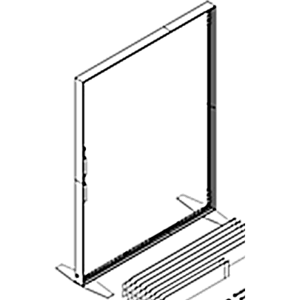
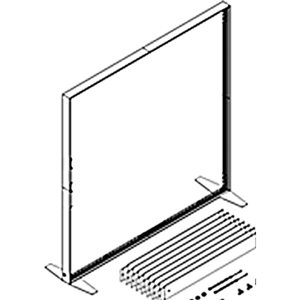
STEP 3:
Identify your TradeWinds Invita Backwall below – You’re Done!back to top
STEP 3:
Identify your TradeWinds Invita Backwall below – You’re Done!
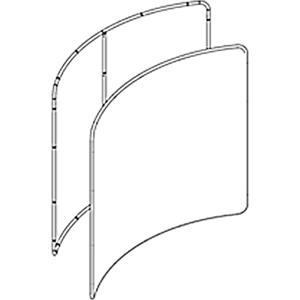
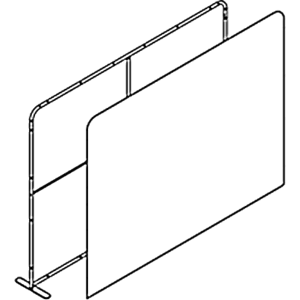
The TradeWinds® Invita features aluminum tube frames with push button connectors, hidden under a snug single or double-sided pillowcase graphic. Invita frames can be used on their own or overlayed to create dimension and interest.
STEP 3:
Identify your Tablox Table below – You’re Done!back to top
STEP 3:
Identify your Tablox Table below – You’re Done!
The patented Tablox™ Table System is a modular table system constructed of sturdy hard panels with extrusions that “snap” and lock into a one-piece base.